

Courses
Discover thousands of courses from top institutions and platforms worldwide
Level
Course Type
Duration

Pluralsight
This course will help any SharePoint administrator monitor and troubleshoot the Web tier, application server tier and data storage tier of their SharePoint farm. SharePoint Server 2013 is a multi-tentacled beast with lots of moving parts at the Web tier, application server tier, and the data storage tier. How does the busy SharePoint administrator keep their finger on the proverbial pulse of their SharePoint farm? This course gives the student everything they need to know to do that and more.

Pluralsight
Learn essentaial SharePoint tools, configuration, practical application and best practice through front-end administration Microsoft Office SharePoint Server 2007, provides comprehensive, scalable collaborative capabilities that, through components of content management and integrated search, support dynamic, efficient information processing and sharing; providing organizations productivity gains and more comprehensive output. In this course, through introduction to the front end, you will learn tools and steps essential to build and manage a Site Collection. Purpose driven sessions provide component review augmented with, administrative efficiencies, business drivers and best practices.

CourseHorse
This course will introduce the audience to SharePoint Online Administration in Office 365 and explain and demonstrate the configuration options for SharePoint Online. The course is appropriate for existing SharePoint on-premises administrators and new administrators to Office 365 who need to understand how to correctly setup SharePoint Online for their company. The course will also help SharePoint on-premise administrators understand the differences between SharePoint on-premises and SharePoint Online.AudienceThe course is appropriate for existing SharePoint on-premises administrators and new administrators to Office 365 who need to understand how to correctly setup SharePoint Online for their company. The course will also help SharePoint on-premise administrators understand the differences between SharePoint on-premises and SharePoint Online.Prerequisites This course is designed for administrators who need to setup, configure and manage SharePoint Online. Attendees need to have a basic understanding of Office 365 and a basic understanding of using PowerShell. At course completion: After completing this course, students will be able to:Understand the architecture of SharePoint OnlineHave knowledge of all the components in SharePoint OnlineHave on hands on experience configuring the components of SharePoint OnlineHave hands on experience configuring the optionsWork with Site Collections and storage optionsManage user profiles and social profilingUnderstand and configure data connectivity in SharePoint OnlineBuild a taxonomy structureUnderstand and configure Search in SharePoint OnlineConfigure and deploy appsUnderstand and define Enterprise content management and data loss prevention.Configure additional options and features in SharePoint Online such as Information Rights ManagementCourse Outline: Module 1: Introduction to Office 365 and SharePoint Online Module 2: Working with Site Collections Module 3: Managing User Profiles Module 4: Manage Business Connectivity Services Module 5: Managing the Term store Module 6: Configuring Search Module 7: Configuring Apps Module 8: Enterprise Content Management in SharePoint Online Module 9: Manage options for SharePoint Online

Pluralsight
SharePoint 2013 Search administration and configuration for administrators who want to deliver more with their SharePoint search results than just documents. This course is intended to deliver a SharePoint Search education for beginning and intermediate SharePoint Administrator. Targeted at SharePoint 2013 Farm Administrators and Site Collection Administrators, this course will help users who are attempting to provision, configure, manage and customize the SharePoint 2013 Search Service Application and Search Center. This course provides sufficient detail for the student to follow the demonstrations to complete a Search configuration and resolve issues with tested troubleshooting techniques.

Udemy
Administration in Microsoft 365: SharePoint, Teams, OneDrive, Microsoft Entra ID, and become a master SharePoint user What you'll learn: Power Automate: Convert Word File to PDF File & Save in SharePointM365 Copilot Agents for SharePointLearn How to Create sites in SharePoint Online in Microsoft 365Microsoft 365: Understanding Channels in Microsoft Teams and SharePointLearn about Microsoft 365 GroupsLearn about SharePoint Hub Sites in Microsoft 365Microsoft 365 PermissionsSharePoint Online Site Branding in Microsoft 365 (OOB SharePoint Features)Microsoft ListsSharePoint Document LibrariesMicrosoft OneDriveSharePoint Content TypesSharePoint PagesIntro to Entra ID (Formerly Known As Azure Active Directory )SharePoint Document VersioningLearn What is a Microsoft 365 TenantMicrosoft 365 vs Office 365Microsoft OneNoteGroup Forms in Microsoft FormsLearn About M365 Group Expiration PoliciesPower Automate: Create Notification Flow from Form Response ( Individual User & Group Form )Power Automate: Create Microsoft Teams Post in a ChannelPower Automate: Automatically Add Microsoft Forms Responses to a SharePoint ListPower Automate: Add a Row to an Excel File in SharePoint with Form ResponsesPower Automate: Create and Save a Word File with Form Responses in SharePointInitializing Variables in Power AutomatePower Automate Connector TypesMicrosoft Syntex - Pre-Built ModelsMicrosoft Syntex - Custom Structured ModelsUnderstanding Which to Use of the Three Custom AI Model Types in Microsoft Syntex in SharePoint Document LibrariesManaging Microsoft Syntex Autofill Capabilities from the M365 Admin CenterCreate SharePoint Syntex Content Center from the M365 Admin Center In this Microsoft 365 SharePoint and Teams Administration course, students will gain comprehensive knowledge of working in the Microsoft 365 Admin Center and SharePoint Admin Center. Due to the tight integration between Microsoft 365 SharePoint and Microsoft Teams, the course also includes lessons on Microsoft Teams administration. Understanding Microsoft 365 users and groups is crucial for effective administration, so training on Microsoft 365 groups is also incorporated, along with many other Microsoft 365 components due to the continuously increasing integration of Microsoft 365 and Azure-based services. As of 2025, students of this M365 course will also be introduced to M365 Copilot agents for SharePoint. This course covers both the front-end and back-end aspects of creating and administering SharePoint Online Sites and Microsoft Teams in the Microsoft 365 cloud environment. The instructor, with extensive experience administering Microsoft 365 and various SharePoint versions since 2007, provides practical insights gained from real-world administration, migration projects, and hands-on training with users. The M365 course caters primarily to Microsoft 365 administrators, while also including a section on business user tools to familiarize administrators with the user experience and address potential user questions and support needs. To reflect the evolving needs of Microsoft 365 administrators, this course now includes Power Automate lessons, covering key automation processes relevant to SharePoint and Teams. Students will learn how to automate workflows, integrate SharePoint with Microsoft Forms, add form data to SharePoint lists and Excel files, and generate Word documents dynamically—essential skills for M365 administrators who support Power Automate workflows. Additionally, students will gain exposure to other Microsoft 365 tools that integrate with SharePoint and Teams, including Microsoft Planner, Microsoft OneDrive, Microsoft Entra ID, Microsoft Purview, and Microsoft OneNote. These tools are covered in the context of their collaboration and document management capabilities within the Microsoft 365 ecosystem. The SharePoint document libraries section provides valuable insights for both business users and SharePoint administrators, enabling administrators to better support and assist users with their document library needs. By enrolling in this course, students will acquire the skills and knowledge necessary to navigate the Microsoft 365 Admin Center, SharePoint Admin Center, and effectively administer SharePoint Sites and Microsoft Teams. Whether you are an aspiring SharePoint administrator or a business user looking to expand your SharePoint expertise, this course offers valuable insights and practical guidance. Join the "Microsoft 365: SharePoint & Teams Administration" course today and unlock the power of SharePoint in the Microsoft 365 cloud environment.

LinkedIn Learning
Take your SharePoint Online skills to the next level by learning how to leverage the collaboration software's intermediate and advanced features.
Pluralsight
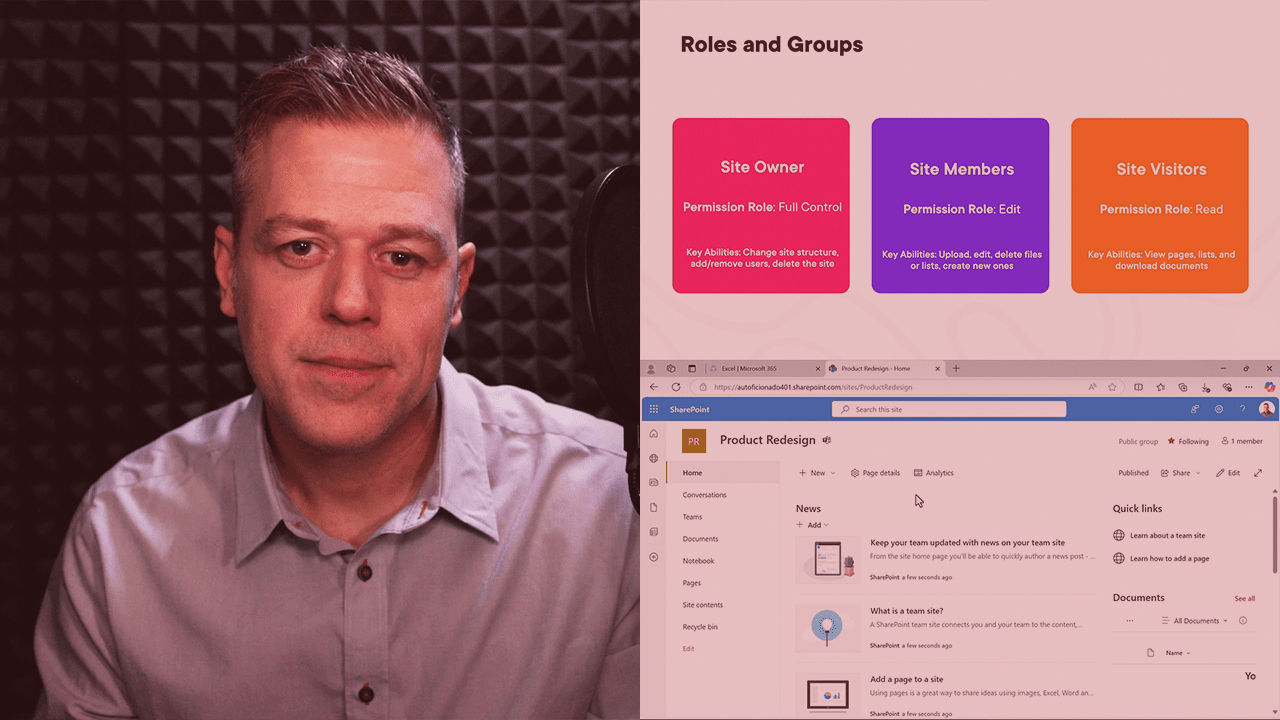
In this course, SharePoint: Foundations, you will gain a solid understanding of how to navigate and customize your SharePoint Online experience, enhancing usability and access. You will be equipped to manage documents and lists efficiently, including creating, editing, sharing, and tracking versions, enabling more organized and collaborative workflows. Additionally, you will know how to integrate SharePoint with Microsoft 365 tools like Teams and the mobile app to streamline processes and boost productivity across devices.
Pluralsight
In this course, SharePoint: Dashboards, you’ll learn the fundamentals of building effective dashboards in SharePoint to enhance data visibility and drive informed decision-making across your team. You’ll start with the basics of dashboard components and data visualization, then move into creating and customizing dashboards to suit your organization’s specific needs. Finally, you’ll explore best practices for improving dashboard usability and accessibility, ensuring your dashboards are both engaging and valuable to all users.

LinkedIn Learning
Stay productive wherever you are by learning how to get the most out of SharePoint. This series provides tips you can implement to help you share content, collaborate, and more. Teams and individuals use the power of SharePoint to share content and collaborate, improving their productivity from virtually anywhere. This series is designed to provide quick tips you can use to get the most out of the features in SharePoint. Navigation, customization, file management, and more are explored.

Udemy
SharePoint Online, SharePoint Team Sites, Pages, Libraries, Workflows with the basic to expert SharePoint Online guide What you'll learn: Create sophisticated and powerful SharePoint team sitesCreate a free 365 trial account for your organizationManage content, files, data, and knowledge across the organization using document librariesApply versioning to all your documents to manage traceabilityCreate beautiful and functional pages with different app and web parts / widgetsBuild multiple linked team sites using site collectionsManage permissions across all users using security rolesHold and access data using SharePoint lists; build custom views, validations, and dashboardsBuild in social networking features directly into your team siteAutomate business processes in SharePoint using Power AutomateCustomize forms using Power AppsIntegrate SharePoint with 3rd party applications Learn from more than 15 hours of relevant instructional video content, with the only complete beginner to expert guide on Microsoft SharePoint Online. SharePoint is the collaboration tool from Microsoft. Empower your team with SharePoint. Manage content and create a centralized site for everyone in your organization to increase collaboration, engage your staff, and transform business processes. More than 200K organizations and 190M people use SharePoint Integrate SharePoint with other Office 365 apps. In this course, you will learn how to also integrate SharePoint with Power Automate to create customized sophisticated workflows, Power Apps to create customized forms, and more This is the only complete guide to Microsoft SharePoint, from beginner to expert. This course is not only comprehensive (it covers everything you need to know right from the start / beginner level) but is also instructional in nature, meaning that as we learn new concepts, we are also integrating them in SharePoint. Don't just learn concepts, learn how to actually apply them. That also means that whether you are a beginner or expert, there's something for you in this course. This course is structured in a way that helps you learn all the concepts. For each concept, we first cover it in theory and then apply it using a real life example. We also progressively learn more and more advanced concepts, so that you never feel overwhelmed and can achieve your goals. I also respond to questions, and have an interactive portion in the course! Again, this is the complete guide to SharePoint - you won't ever need another course. What is SharePoint?SharePoint is a platform that organizations use to create internal websites (called team sites) that empower teamwork and improve collaboration. SharePoint allows organizations to seamlessly organize, share, manage, and access content and knowledge across their businesses. More than 200,000 companies use SharePoint and 190 million people use SharePoint. SharePoint is provided by Microsoft. What is SharePoint Online?There are several different versions of SharePoint, which can be both on-prem or online. SharePoint online is the most popular, and is a cloud-based service which is hosted by Microsoft, and for businesses of all sizes. Note that all modules and features discussed in this course also apply to previous versions of SharePoint due to backwards compatibility. So, this course is also designed for users in SharePoint 2016 and SharePoint 2019 (SharePoint Server 2016 and SharePoint Server 2019) What are the main features of SharePoint?Content management - easily and securely share and manage content across your business, whether it's files, news, workflows, or data, with sophisticated metadata and organizationSocial features - share ideas across your organization, collaborate, and make decisions with built-in social features like shared calendars and commentsIntegration with Office 365 - integrate SharePoint with Office 365 apps to make the most of the cloud, with sophisticated linkages with Word, Excel, PowerPoint, Outlook, Power Automate, Power Apps, and Microsoft ProjectDatabase - hold unstructured and structured content with Microsoft's intuitive, accessible, and powerful database system called SharePoint Lists; create views, validation rules, forms, and dashboardsTransform business processes - use SharePoint to automate common and routine business processes, with conditional and approval workflows to truly reach digital transformation across your organizationPersonalization - make SharePoint yours; design your site to your liking with customized design featuresPermissions - Manage access to content through Microsoft's sophisticated permission management system, which includes security roles, approval workflow / gateways, and utilize Microsoft's single sign onReach and scale - More than 90% of businesses already use Office 365; leverage cloud resources to scale SharePoint from small start-ups to F500 organizations Why learn SharePoint?Increase collaboration by creating a one-stop shop - SharePoint improves efficiency in an organization by having a centralized location for all your content, knowledge, news, and workflows (called Team Sites) - leverage this technology to empower your teamRevolutionize business processes - Processes in SharePoint can easily be accessed and managed by multiple people in your organizations, and sophisticated workflows and custom apps can be created to fully revolutionize business processesGet hired / increase your employability - SharePoint is used by more than 200,000 organizations for a reason; it increases efficiency - learning how to create SharePoint sites is an invaluable skill to boost your pay rate and deliver valueImprove your toolkit - add this to your list of Microsoft skills - this is very powerful in conjunction with other Microsoft products (PowerApps, Power Automate, Office, Power BI, Azure, 365, etc.) Why choose this course?Complete guide - this is the 100% start to finish, zero to hero, basic to advanced guide on SharePoint. There is no other course like it that teaches you everything from start to finish. It contains over 15 hours of instructional content!Fully instructional - we not only go through important concepts, but also apply them as we are building our application so that we can solidify them. This is not only a walkthrough of the SharePoint features, but a course that actually builds applications with youStep by step - we go through every single concept in a sequential order (from beginner to expert). This improves your probabilities of learning SharePoint rather than going haphazardly through each feature.Learn to learn - during the latter parts of the course, we go through situations where we encounter new features or errors, and work through how we would use the documentation to resolve them. In this way, you not only learn about SharePoint inside and out, but learn how to resolve your own issues as they come upIntegrations - we go even beyond SharePoint in the expert section and integrate it with other Office 365 apps, such as Outlook, Excel, Word, PowerPoint, Power Automate, and Power AppsTeacher response - if there's anything else you would like to learn, or if there's something you cannot figure out, I'm here for you!Reference material - follow along! I provide all reference material directly to you so you can follow along in your learning journey Course overviewIntroduction - learn about SharePoint, its features, and how to succeed in the courseEnvironment - create a SharePoint account, understand the environment / layout, and create your first siteBeginner - manage document libraries with increasing sophistication, create beautiful and informative web pages, modify the default design, and create multiple linked sites via site collectionsModerate - organize and build data using SharePoint Lists, manage access using permissions, explore other functionality such as customized search, and learn about build-in social networking featuresExpert - transform and automate business processes using workflows and Power Automate, create customized forms using Power Apps, build other integrations with Excel and Outlook, and install other external applicationsConclusion - earn your Microsoft SharePoint Online certification, and read about next steps If you want to learn Microsoft SharePoint Online, this is the course for you. We're looking forward to having you in the course and hope you earn the certificate. Music: Bensound

Udemy
Beginners To Advanced M365 SharePoint Online Course Sharepoint Team Sites, Workflows, Permissions, Libraries, Lists What you'll learn: What is SharePoint and why it's usefulCreate a free Microsoft 365 trial accountUnderstand SharePoint site design and structureHow to add users and assign licencesHow to create SharePoint sitesDifference between SharePoint Team site and Communication siteSet up site design and navigationApply site templates to SharePoint sitesCustomize communication site with different web parts and designHow to create and manage different types of Sharepoint pagesCustomize SharePoint site and pages with web parts and widgetsHow to create sub-sitesHow to create and manage libraries and listsIdentify and create metadata columnsCreate and manage public and personal views in lists/librariesManage contents within document libraries and listsApply versioning to documentsCreating relationship based listsAutomate business processes using Power Automate workflowsHow to share documents and sites with usersHow to manage access for shared contentsCreate news posts within SharepointCreate hub sites and why it's usefulCustomize forms using Power AppsUnderstanding Power BI to generate reportsCreate Microsoft Planner boards for task managementUnderstanding OneDrive for BusinessManage security and permissions for SharePoint siteHow to customize user roles and permissionsHow to create unique permissions for libraries/lists and itemsHow to create and manage permissions inheritance Discount Code: TECHBYTOSHMAR25 Beginner level course to learn SharePoint Online from scratch and become an expert to manage and work with Microsoft SharePoint Online. This is an online course and we will not be using any coding in this course, so no coding experience required. You will not be required to download any software or files (except resource material) to learn this course.Step-by-step and easy to follow instructions with examples of why/how you need to create and manage:SharePoint Sites (Teams, Communications, Hub Sites, Sub-Sites)Site Design/Theme and Site LayoutSharePoint Site customisationsPower Automate WorkflowsSecurity & PermissionsSharing Contents/Files with internal and external usersDocument LibrariesLists & relationship with other listsDifferent columns typesPublic and Private viewsMetadata for columnsSite PagesNews PostsWeb PartsTwitter/YouTube integration with SharePoint pagesMicrosoft PlannerIntegration of SharePoint with Microsoft 365 application such as Word, Excel, Power Point, Power Automate, Power Apps, Power Bi, PlannerPower Apps to customize formsOneDrive for Business (Personal Site)You will also learn how to set up the environment from scratch using trial licence from Microsoft, which will give you a good understanding of how the users are managed within Microsoft 365 Admin centre and what some of the activities are performed by SharePoint Admins. If you already have access to SharePoint Online then you do not need to set up any trial license. Some of the Skills you will master by doing this course:Effortless Navigation: Master the art of seamless navigation within SharePoint Online, ensuring quick access to vital information.Optimized Document Management: Implement advanced techniques to efficiently manage documents, folders, and libraries, enhancing organization and retrieval.Enhanced Collaboration Strategies: Harness powerful collaboration features to facilitate real-time co-authoring, version control, and concurrent editing, fostering enhanced teamwork and productivity.Branding and Customization Mastery: Elevate your organization's image by tailoring SharePoint sites using branding elements, templates, and themes that align with your corporate identity.Streamlined Workflow Automation: Increase operational efficiency by integrating workflow automation via SharePoint Designer or Power Automate, reducing manual tasks and streamlining processes.Granular Permissions and Security Expertise: Develop a robust understanding of user permissions and security settings, empowering you to manage access meticulously and safeguard sensitive data effectively.Optimal Lists and Libraries Management: Learn to expertly create and manage lists and libraries, optimizing data storage, retrieval, and analysis.Strategic Site Creation and Governance: Acquire strategic insights into the creation and management of sites, subsites, and site collections, aligning with diverse business requirements.Seamless Office 365 Integration: Leverage SharePoint Online's seamless integration with other Office 365 applications to foster efficient communication and collaboration across the organization.Upon course completion, you'll possess the skills and knowledge needed to leverage SharePoint Online as a pivotal tool for elevating collaboration, optimizing processes, and driving tangible business outcomes. This course includes:Over 15 hours of video tutorials178 individual video lectures Here’s what our students are saying about the course.."A very well taught course. It leaves no stone unturned! The instructor is very clear in the way he explains the different functionalities. After taking this course I really feel I have the tools to navigate SharePoint. I highly recommend it! I listened to it at x2 so you can complete it in less than 15h." - Desislava Pavlevska "Well organize, the course is structure and easy to understand. This is a good tutorial of learning the Sharepoint." - KS "This course is amazing. Everything is explained very well. The author knows 100% what he is teaching. I am very happy with this course." - Volker Buntrock "For a beginner like me, it’s so easy to follow. Instructions are very clear and and I am implementing this non my company while learning. Thank you so much" - Carol P "Great introduction for me from beginner level. You have me very interested in a new job opportuniity. This doesnt seem that difficult to grasp." - Patrick Jiggetts "This is taught so well: professional, easy to follow, and I can immediately implement what I'm learning." - Erin Blackwell "I`m loving the course so far. The lecturer provides detailed explanation of all the contents covered." - Pa Ali Nyang Discount Code: TOSH251

Pluralsight
Learn how Delve can help you create, store, find, and share content to collaborate with your colleagues. Learn how to use Delve with Office 365 SharePoint and OneDrive. Office 365, SharePoint, and OneDrive make it easy to create, store, and collaborate on projects whether on your, own or with colleagues. However, it can be a difficult task to keep track of everything you’re working on. In this course, SharePoint at Work: Using Delve with SharePoint, you will learn how Delve can help you find and retrieve your most recent content, as well as the content of your colleagues. Delve can also help you connect to, and learn more about, your co-workers. First, you will learn about the Office Graph and how Delve uses it to connect you to content and colleagues. Then, you will see how content is added to Delve and the various ways it surfaces relevant content for you. Next, you learn how to organize content in Delve by creating and using Boards and Favorites. Finally, you will discover how to protect certain documents from being surfaced in Delve to those who shouldn’t have access to them, by managing privacy settings of libraries, folders, and documents. When you’re finished with this course, you will understand how Delve works, and how it can help you to find, retrieve, and organize all of your content throughout your Office 365 SharePoint, and OneDrive, and how to share content with colleagues, and keep sensitive content private.

Coursera
In this course, you will learn how to deploy, configure, and secure FortiAnalyzer. You will also learn how to register and manage devices with FortiAnalyzer. Finally, you will explore the fundamentals of the logging and reporting management capabilities included on FortiAnalyzer. These skills will provide you with a solid foundation for becoming a professional FortiAnalyzer administrator.

Coursera
In this course, you will learn how to use the most common FortiGate features including firewall policies, user authentication, high availability, SSL VPN, site-to-site IPsec VPN, Fortinet Security Fabric, and how to protect your network using security profiles, such as IPS, antivirus, web filtering, application control, and more. These administration fundamentals will provide you with a solid understanding of how to implement the most common FortiGate features.

edX
The Azure Administrator program is designed for individuals seeking a strong foundation in cloud computing with a focus on Microsoft Azure. Whether you're new to cloud technologies or looking to pivot into a cloud-focused career, this program provides comprehensive instruction on the core principles of cloud infrastructure and Microsoft Azure services. You’ll begin by exploring fundamental cloud concepts—such as scalability, elasticity, and the shared responsibility model—before diving into the specifics of Azure’s architecture, products, and core solutions. With hands-on learning from Microsoft experts, this program will help you understand real-world scenarios and prepare for roles requiring Azure knowledge. This program serves as an excellent stepping stone toward Microsoft Certified: Azure Fundamentals certification and further specialization as an Azure Administrator Associate or Cloud Engineer.

Pluralsight
As a SharePoint Administrator, you are tasked with ensuring productivity solutions are available within the organization. There are many services and components that should be enabled, deployed, and configured to support this. Knowing which ones to use, and how to deploy them is just one element of this process. In this course, Planning and Managing SharePoint 2016 Productivity Solutions, you will learn foundational knowledge of/gain the ability to create and configure features that ensure SharePoint is an effective and resourceful tool in your organization. First, you will learn how to configure and implement service applications to provide productivity solutions. Next, you will discover how configuring Hybrid to Office 365 can benefit both you as a SharePoint Administrator and your end users. Finally, you will explore how to manage solutions within SharePoint, whether custom developed or purchased from the Microsoft Store. When you’re finished with this course, you will have the skills and knowledge of SharePoint 2016 Productivity Solutions needed to configure, implement, and manage SharePoint 2016 Productivity Solutions.

Coursera
In this course, you will learn the fundamentals of using FortiManager for the centralized network administration of many FortiGate devices. In interactive labs, you will explore deployment strategies, which include single or multiple ADOMs, device registration, policy packages, shared objects, installing configuration changes, provisioning FortiManager as a local FortiGuard distribution server, and troubleshooting the features that are critical to day-to-day use after you deploy FortiManager.

Pluralsight
This course is for business professionals using SharePoint on-premises at work. In this course, SharePoint at Work: SharePoint 2016 On-premises Essentials, you will learn foundational knowledge of the SharePoint 2016 world for end-users. First, you'll learn how to navigate a SharePoint team site. Next, you'll work with lists. Finally, you will explore the value of working with libraries. When you're finished with this course, you will have the skills and knowledge needed to use SharePoint 2016 On-Premises at work.

Pluralsight
Want to learn Apps in a logical, well thought-out way? Want a clear message about what works and what doesn't work? This course is for you. Apps are perhaps the biggest change between SharePoint 2010 and 2013. But how ready is the App Model? Is it even worth spending the time learning it, and if you do learn it, what is the best, clearest way of making it stick inside our minds with 100-percent clarity on what works? More importantly, what doesn't work? This course "uncloudifies" this cloud-ready technology.
Pluralsight
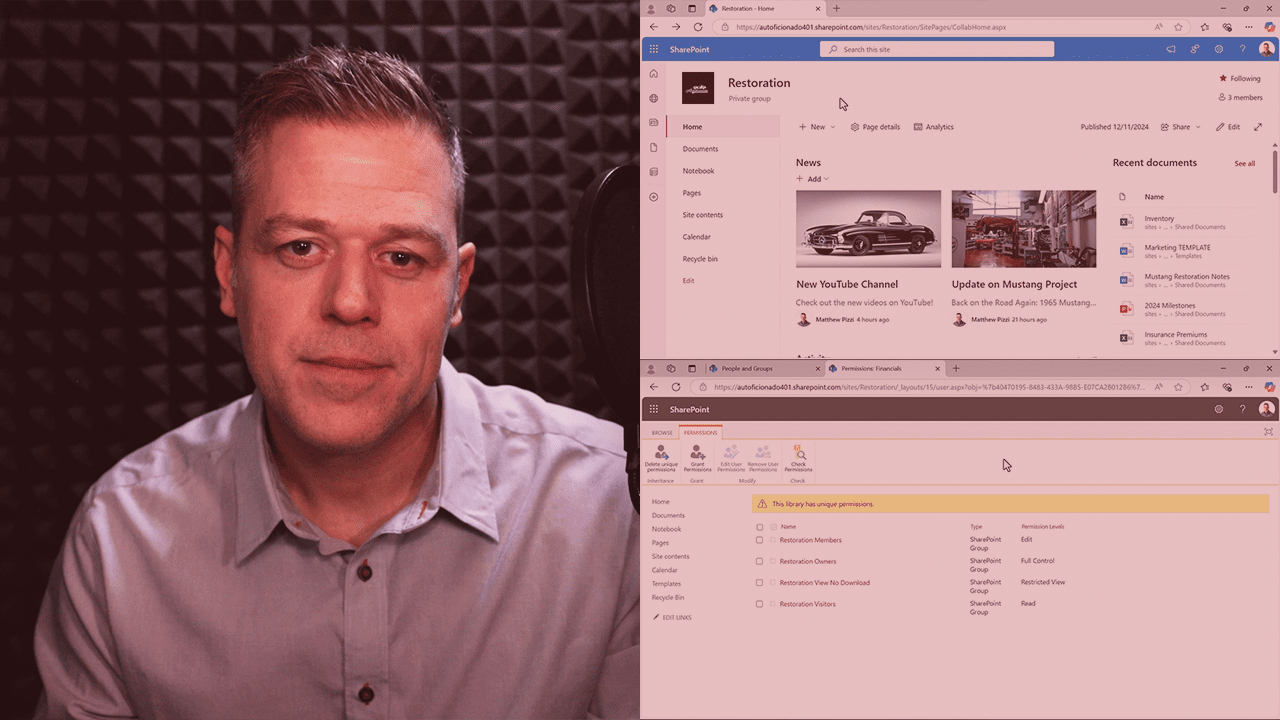
In this course, you’ll learn how to use SharePoint to boost team collaboration through effective site setup, real-time document sharing, and integrated task management tools. We’ll guide you through organizing content, managing permissions, and tracking team activity so you can create a collaborative workspace that keeps everyone aligned and productive.